Motion Blogger Template
This template does not have a responsive design.
Instructions
About Motion
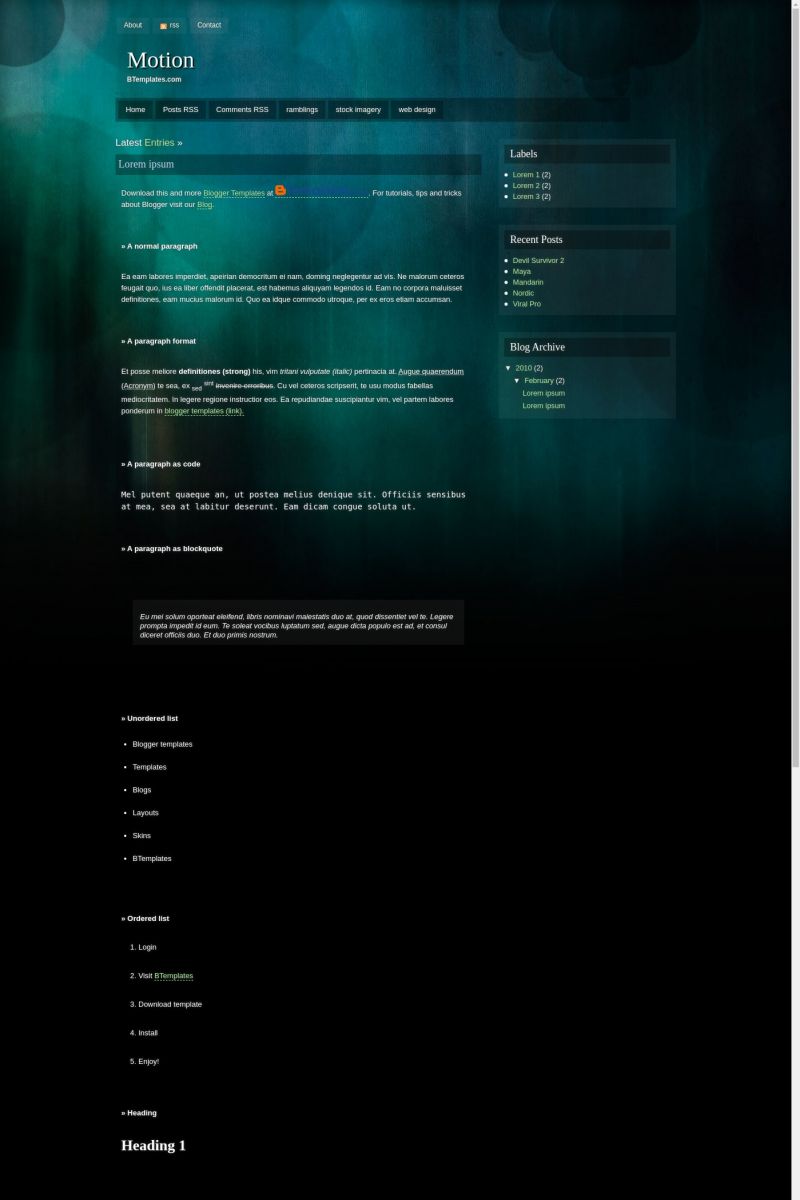
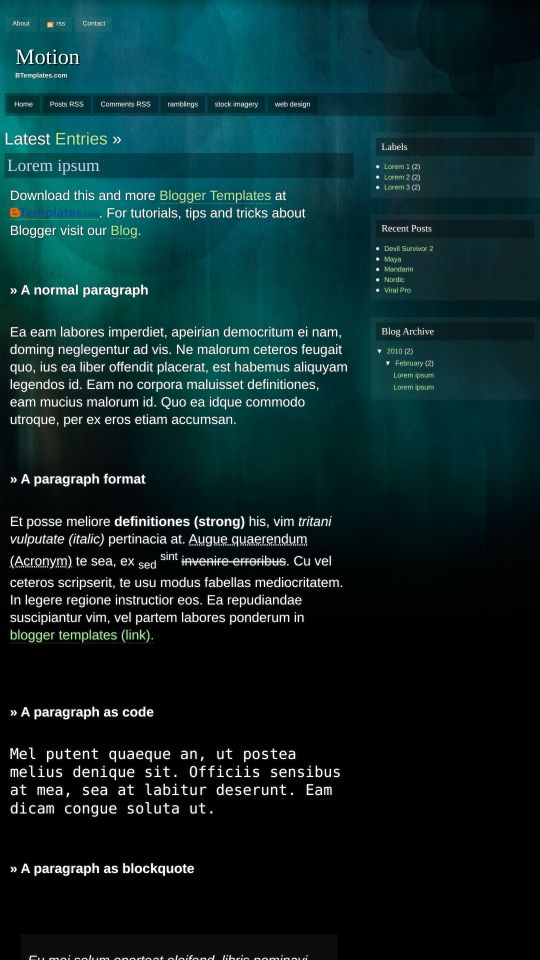
Motion is a free Blogger template adapted from WordPress with 2 columns, right sidebar and geometric motifs.
Excellent template for blogs about to write a diary.
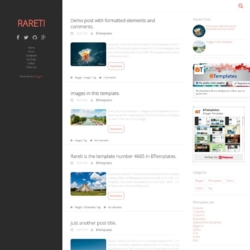
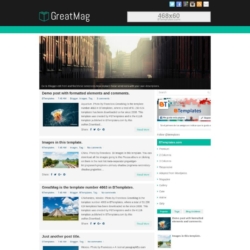
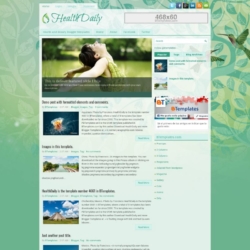
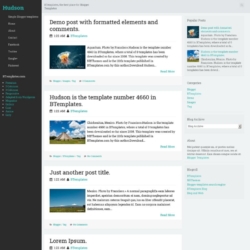
More Adapted from WordPress Blogger templates:
Credits
Author: Templates Block.
Designer: 85 ideas.
Volverene Evo 27 February 2010 at 21:11
Btemplates: Thanks for publishing :)
Volverene Evo 27 March 2010 at 5:21
All Users of Motion template: A few days ago, most of the new templates had this problem that the Page Navigation disappeared from the templates at my blog and the Older and Newer posts page numbers disappeared.
I’m deeply sorry for this problem and I apologize for a very late reply.
Here`s what you need to do. Believe me it’s really simple to fix this:
Goto EDIT HTML page
Using CTRL+F
Find this link http://evo13.googlecode.com/files/nav-12.js
Replace the above link with this link >> http://all-in-one-blogger-widget.googlecode.com/files/paginator3000.js
Save and click View Blog.
I am very sorry for the problem. Files in Google Code hosting was deleted by someone.
eve 31 March 2010 at 16:25
hey, how can I make 4 “advertise here” boxes on top of the sidebar?
Volverene Evo 17 April 2010 at 23:06
Eve: You may Google “Making advertise here boxes in blogger blogs” or something like that, they sites would provide tutorials on how make such boxes :)
Volverene Evo 25 June 2010 at 5:06
Dear users of Motion template: If your Page Navigation Links (Older Posts, Newer Posts) are not working with this template, here’s what you need to do to fix this:
1. Goto EDIT HTML page.
2. Using CTRL+F, find any of the following link:
“http://evo13.googlecode.com/files/nav-12.js”
OR
“http://all-in-one-blogger-widget.googlecode.com/files/paginator3000.js”
3. When you find any of the above two links. Replace it with the link below:
“https://www.opendrive.com/files/6549279_VT1Jl/paginator3000.js”
4. Click SAVE and VIEW BLOG to see the page navigation links come back again.
That’s it!
For any further assistance that you may require, please do ask :)
Thank you
Käroli 3 September 2010 at 14:23
Hello! I have a problem with these ”elements” before and after the blog ”name”, like: about, rss, contact, (home, post -and comment rss is fine, but..)..ramblings, stock imagery, web design AND latest enteries. So, i’d like to undo them ”out” of the theme, it’s kind of disturbing for me. Is this possible and when is, then how? Thanks! :)
rezNu 19 April 2011 at 10:42
@Volverene Evo:
Hi, the page navigation only appear after few second and it gone. Any other way to fix it?
โหลดเพลง 18 June 2011 at 7:35
Thank you for Theme. :)
ankit 29 September 2011 at 1:00
how do i remove the DASHED LINES that appear below a link in POSTS… its really annoying.. help me plzzzzz :) :D
ALİ AYVAZ 9 February 2013 at 19:45
wonderful. I liked.
Yvonne 3 July 2013 at 11:03
Hi~
Thank you for this theme~really like this! but my blog’s page navigation only appear after few second and it gone. Any way to fix it?
Thank you in advance!
Best regards,