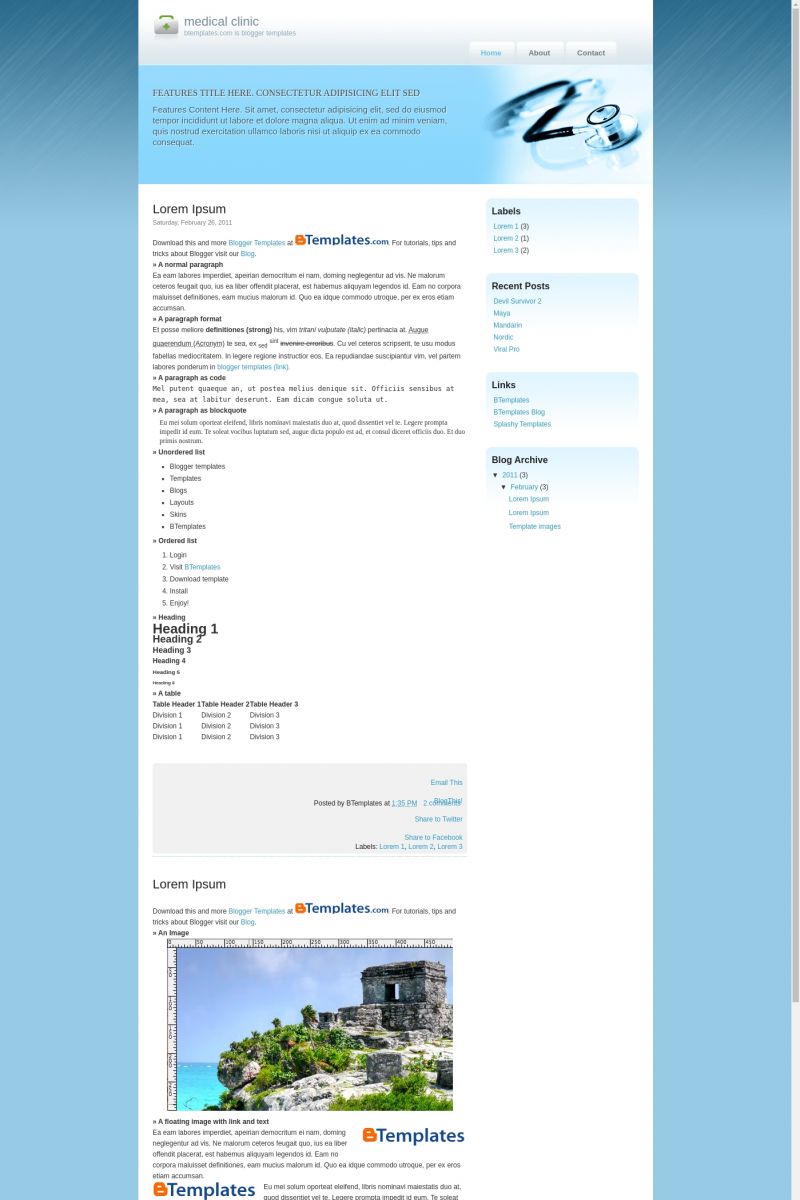
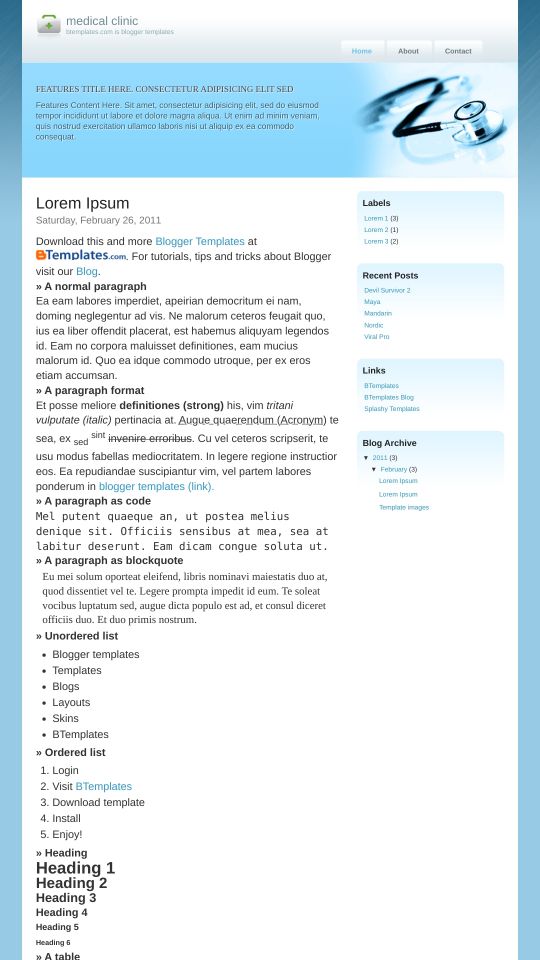
Clinic
| Instructions: | Template Settings / How to install a Blogger template |
| Coder: | Templates Novo Blogger |
| Properties: | 4 Columns, Fixed width, Magazine, Right sidebar, White |
| Categories: | Neutral |
| Share / save: | Feed Facebook Twitter Delicious Stumbleupon |
| Instructions: | Template Settings / How to install a Blogger template |
| Coder: | Templates Novo Blogger |
| Properties: | 4 Columns, Fixed width, Magazine, Right sidebar, White |
| Categories: | Neutral |
| Share / save: | Feed Facebook Twitter Delicious Stumbleupon |
Great Templates And Really Clean Blog With White CColour.. I Like This Template, Thank For Conver It into Blogger Platform…
nice theme but im searching only css & xhtml
estoy cargando cosas en la nueva plantilla. hasta el momento se ve bien muchas gracias
>>> * Muito Bom ess Template * >>>
euqueria um tipow q envia link! mais acho q naum tem “/
mantab.,.,.,.bgt templatnya.ijin sedot om
I am having real problems uploading this template to blogger. The tutorial is in another language other then english so that really does not help at all.
Don’t know how to load the javascript files so the slide show can run on the home page. Adsense is not loading. And the posts on the front page come up with no link to read on like it does in the demo.
Any help on this one?
This is the most difficult xml template i have ever had to use but after a long time hacking around with it , once i got the slider to work and postionings i love it!
Vut hey guy the javascript files you have fed from some other server that are used for the slider are useless because that server is dead
so i was like 5 hourse trying to make the slider work till i realised the server where you store and leech the .js files from is down!
so i uploaded the js files to my own server
for people with a blogspot adress and no personal server they will have a problem with this template as far as the slider is concerned
Hello, please can anyone help with this topic about the slider. By the comment of Sam, the server of the images is not working. Can anyone help with detailed instructions on how to make it work? I do have my personal webpage, but i didnt understand how to make it. many thanks!!!
Well Alex i can let you download the js files from my server.
open each url in a browser tab and the browser will download it to your pc, or if it displays as a text file in the browser then select all copy and paste into your favourite text enditor and save each as jquery2.js and s35slider2.js
then upload the files to your server wherever it is and go to your blogger dashboard. select “layout” tab and then select the “Edit html” tab and press the ctrl and the f buttons simultaneously on your keyboard (find) if you use firefox a search pane will appear at bottom of browser or if ie explorer then a search window will open
enter jquery2.js in the textfield of the search pane and press enter…
this will find the line of code for you in the template’s html
then just change the url to where the .js files are on your server, and voila! save the template and it should work.
http://sak-yant.com/jquery2.js
http://sak-yant.com/s3Slider2.js
Igual tenia que haberlo explicado en Castellano.. bueno intentalo en ingles y si no me lo digas
Gracias Sam, la pregunta serìa, como subo los archivos JS a un servidor para echar a andar el slider usando este template?
mil tks
Sam,
It’s great that you were able to make the slider work! ^^
Can you instruct me how to apply this template on my blog using my own pictures? By the way, how many pictures can we put in the slider? Kindly tell me how to fix different positioning, too. And, just in case, can I download the js files from your server as well? Thanks soooo much for helping this newbie! ^_____^
P.S.
My blog is still almost empty. I haven’t written or posted anything yet. Thanxie!
May I view your blog, too? ^^ Thanks! Thanks! Thanks!