Alpha Blogger Template
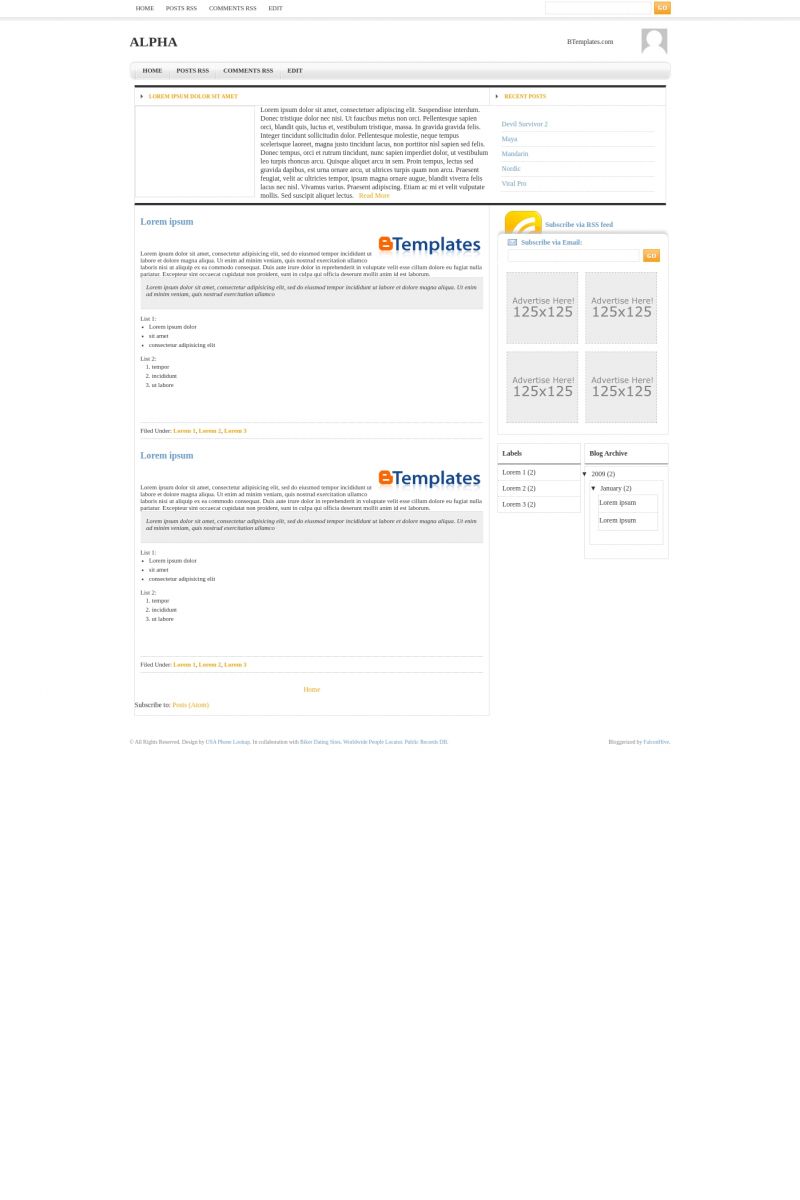
This template does not have a responsive design.
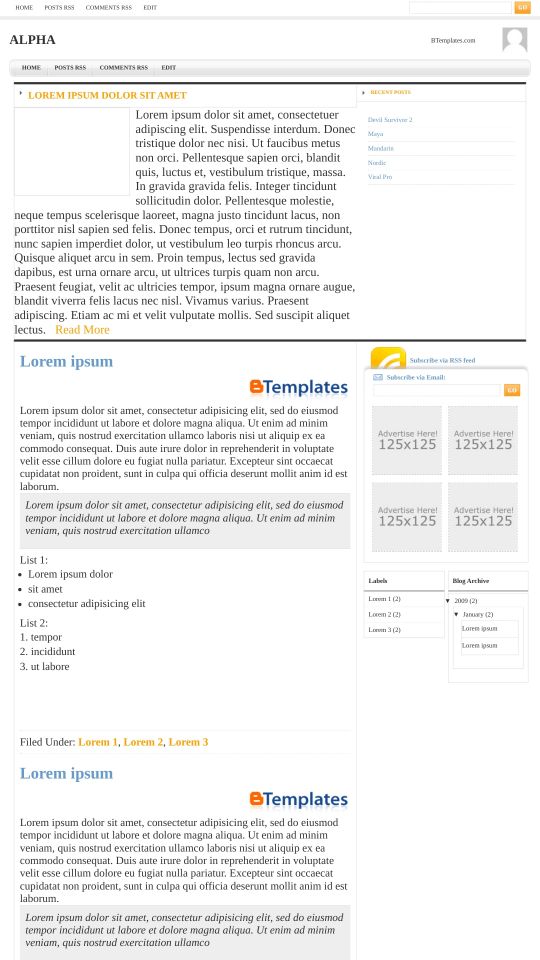
Instructions
About Alpha
Alpha is a free Blogger template adapted from WordPress with 3 columns, magazine-like layout, right sidebar and neutral colors.
More Magazine Blogger templates:



Credits
Author: Falcon Hive.
jovie 21 January 2009 at 21:42
I like Falcon hive Template, all are very beautiful….I’m going to use this template for my blog..thank u very much
Fernando Callo 22 January 2009 at 12:57
mmmm it’s an awesome template but doesn’t have date, comments, author, etc…Why did you delete it? :S! please put in there becoz they are so important, at least 4 me they are!
If you do that I will appreciate it!
Fernando 24 January 2009 at 4:26
Muy Bueno pero no aparece el enlace para que las visitas puedan hacer comentarios ni la fecha de publicación de los post entre otras cosas. Resuelve esto para que sea útil como blog.
te felicito por tu trabajo.
Suerte y espero puedas resolverlo.
Gracias
djoko 27 January 2009 at 23:34
It’s so good!!
Workquest 9 February 2009 at 18:38
I need help knowing how to chage the 4 125×125 advertising squares with 4 125×125 images of the advertises I have. PLease help!
NomYi 15 February 2009 at 23:25
I have some problem, it same “Fernando Callo”
I would like to put date, comment and author in this template
If you feel free, please let me know.
Thank lot
flesh. 25 March 2009 at 20:11
How do i put advertisements on this layout?
flesh. 25 March 2009 at 20:13
How do i get advertisements 4 this layout and how do i put them on?
Thanks
Shafar 14 April 2009 at 13:40
One of the clean blogger template! Great!
Leonine 30 November 2009 at 10:49
I found a solution for the Advertise Here! 125×125 . To change the image of that go to Edit HTML and Search(Ctrl+F)sponsor & you will get somethin like this:
Change the image url of the image with the one u want to put there.. for example like this:
Stan 16 February 2010 at 0:38
Does anyone know how to align the archive date in the box properly? If you look at the demo the archive date is outside its box. It’s the same when you download it too.
Thanks.
Masjalal 19 February 2010 at 11:20
Woww!! I like this
Stan 19 February 2010 at 17:05
I’ve discovered another issue with this template. Any comments that follow the first become indented, resulting the sidebar being squeezed down the page. Take a look at the comments on the demo and you’ll see what I mean.
Anyone know how to fix this?
Stan 19 February 2010 at 17:12
Mmm, maybe it’s an IE issue. Just checked with FF and it’s fine.