Greenfield Blogger Template
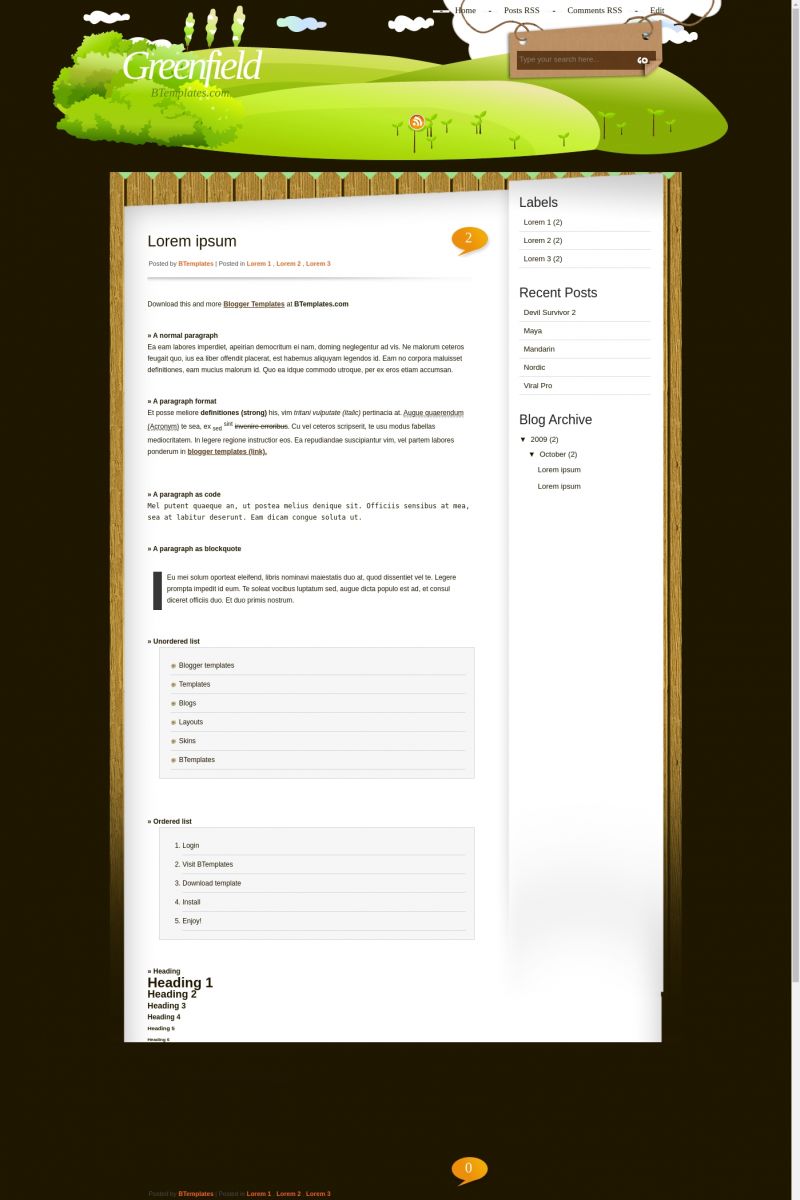
This template does not have a responsive design.
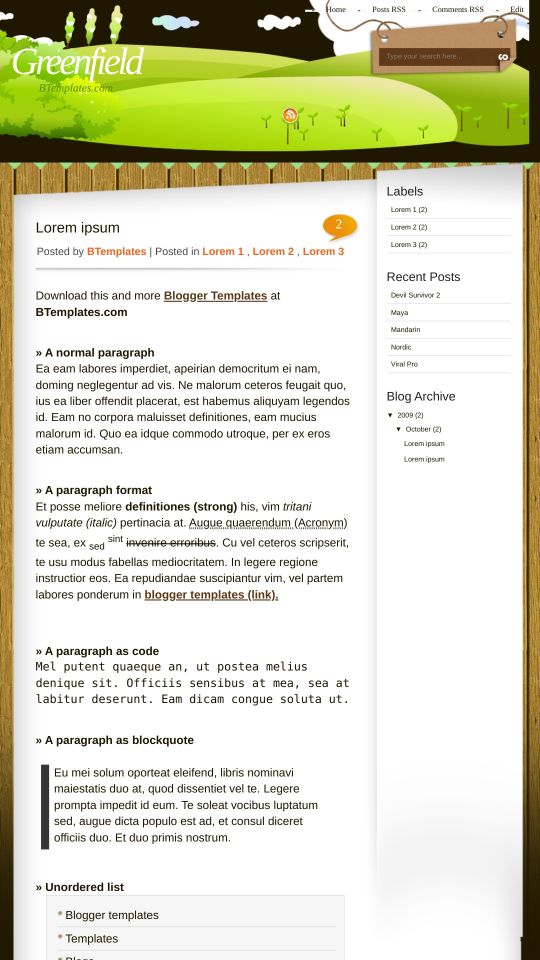
Instructions
About Greenfield
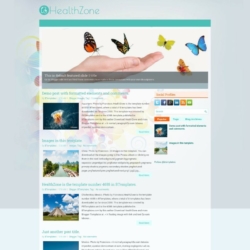
Greenfield is a free Blogger template adapted from WordPress with 2 columns, right sidebar and vectorial elements.
Excellent template for blogs about to write a diary or nature.
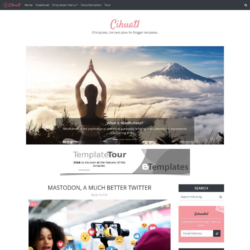
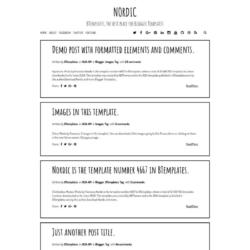
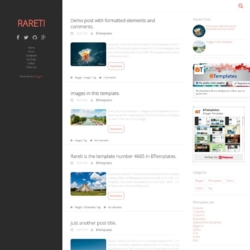
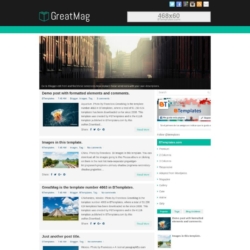
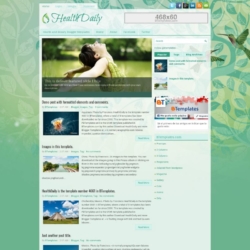
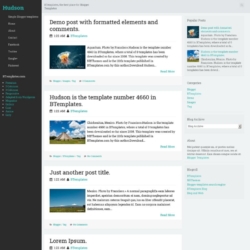
More Adapted from WordPress Blogger templates:

Credits
Author: ThemeCraft.
Designer: WP Themes Creator.
cobjt 12 January 2010 at 1:13
Hi,
This style is cute.
Thanks for sharing and I got a problem here.
The data of posted can’t be shown up.
Only these fields “Posted by” and “Posted in” are shown.
P.S. I have set the formatting of Settings page already.
cobjt 12 January 2010 at 1:17
Sorry for the wrong spelling: data -> date.
The “data” of posted can’t be shown up.
->
The “date” of posted archive can’t be shown up.
Claudia 12 January 2010 at 21:41
Cobjt:
Go to Settings/Formatting and change the timestamp format.
cobjt 12 January 2010 at 23:10
I’ve tried the every selection of the timestamp format.
But it still does not appear any info about time.
er86 13 January 2010 at 11:40
same with me… the information about time doesn’t appear
e-alkes blog 15 January 2010 at 8:24
So pretty….but still checking now…
katie 18 January 2010 at 23:41
This would’ve been the PERFECT template for me to use…but it’s just too buggy. The RSS button jumps around, the search prompt is easily bumped if your blog title is too long, and the sidebar text is easily bumped (for reasons still unknown).
I’ve tweaked and repaired a number of these minor issues in the HTML code, but after the sidebar issues, I’m afraid I just have to find a more stable template.
erynia 20 December 2010 at 23:34
Great design, but when people try to post comments, and get to the verification code, there is no scroll bar. The footer hides the bottom half of the verification box (including the submit button), so people can’t post. Suggestions?
Claudia 23 December 2010 at 14:52
@erynia: My suggestion: disable the verification box.
Go to Settings/Comments/Show word verification for comments? -> No.
Save Settings.