Magic Tree Blogger Template
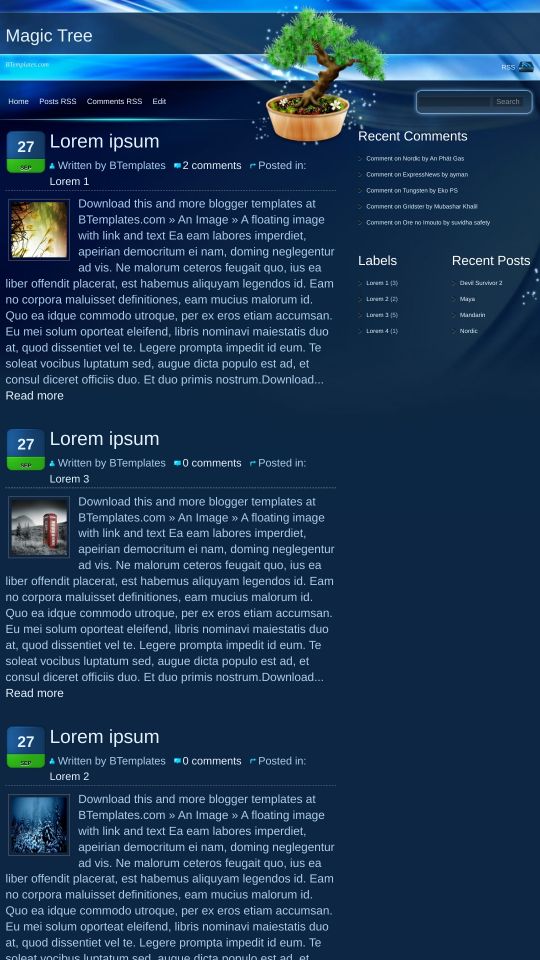
This template does not have a responsive design.
Instructions
About Magic Tree
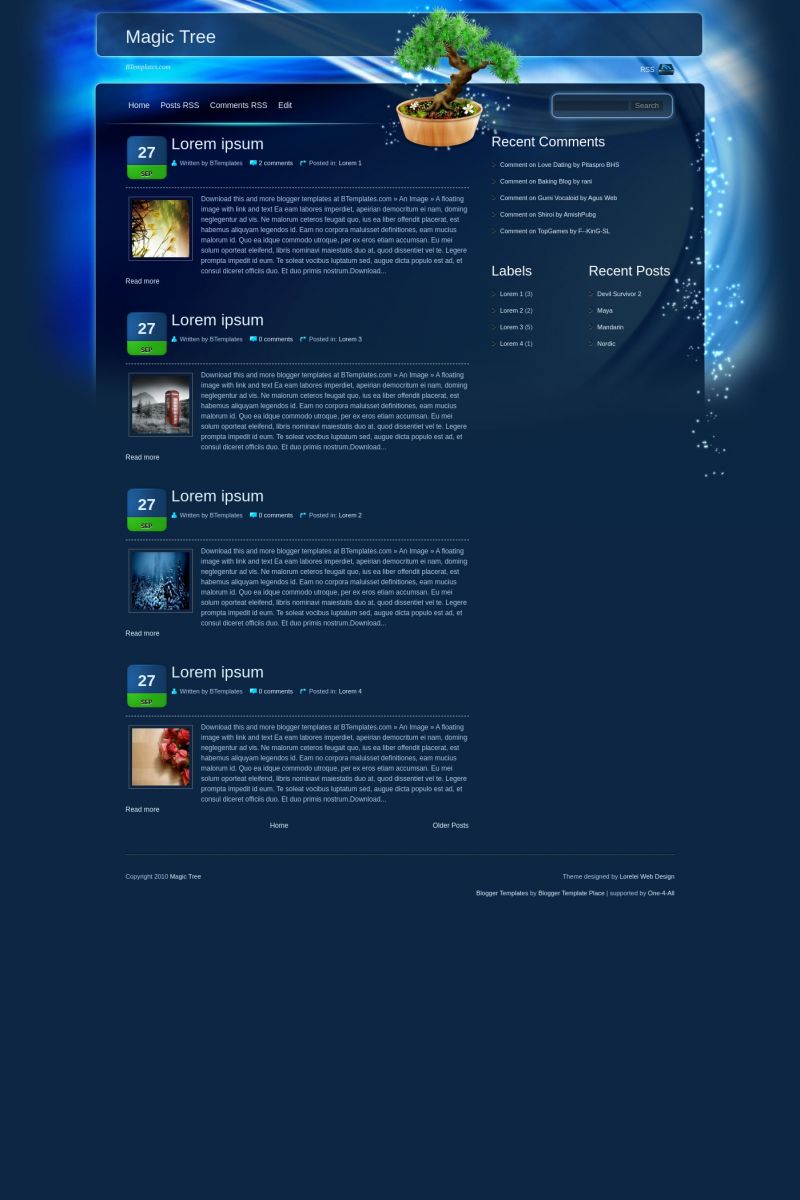
Magic Tree is a free Blogger template adapted from WordPress with 3 columns, right sidebar and rounded corners.
Excellent template for blogs about to write a diary, fantasy or nature.
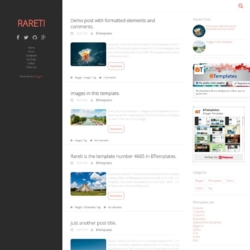
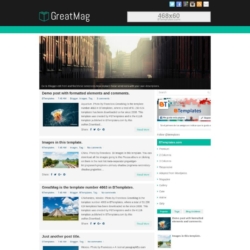
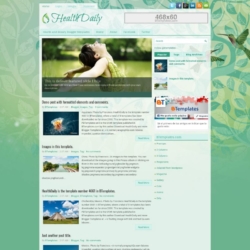
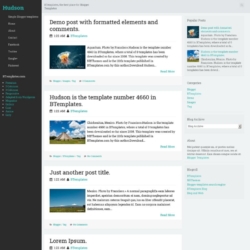
More Adapted from WordPress Blogger templates:

Credits
Author: Blogger Template Place.
Designer: Lorelei Web Design.
Venkat 9 February 2010 at 6:16
Such a Nice Blog.. But Y did you left out the tree over there ?
Its really like a negative mark for this template …
If you could remove that it could be awesome.. If you can remove that plzz inform me after editing this page… With Regards
With Regards
Venkat
deysi diana 9 February 2010 at 11:29
hola ketall esta interesante
-TuX- 9 February 2010 at 17:43
Is excelent, please remove the tree, or make an other version whitount the tree. thanks is an excelent work
faly 10 February 2010 at 3:29
it doesn’t show the date….. T_T
Blasko 10 February 2010 at 18:44
Please removie that tree, it doesn’t looks good with it. It would be excelent template if it’s isn’t there.
And how to fix the date?
Vio 11 February 2010 at 3:38
Me too! Please help!
it doesn’t show the date…..
-TuX- 12 February 2010 at 15:17
Just change the format of hour in the configuration of post
Sats 12 February 2010 at 16:41
the date is being shown as undefined. althought the faq says to change the format of the date, i would like to know the format it had to be changed to or does it have to be a hit n trail method.
Claudia 12 February 2010 at 20:49
Sats:
Go to Settings/Formatting/Timestamp Format -> Friday, February 12, 2010 ;)
Sats 12 February 2010 at 22:16
yup… worked out beautifully… thanks claudia….
Abir 14 February 2010 at 20:03
Thanks a lot…It’s really nice…using it in my blog..
Kate 14 February 2010 at 23:17
Love the colors hate the tree. Needs share buttons below posts. Most people do not leave comments on blogs anymore.
nn 6 March 2010 at 14:40
love the tree but I’d like to see the entire ppost not only a part how can I do this?
thank you in advance
john 8 March 2010 at 9:06
mesmo configurando a hora não consegui mudar continua undifined, como posso fazer ha e tem um monte de elemento de pagina q não aparece o q posso fazer?
Ryan 10 March 2010 at 21:14
john
para undefined
for undefined
or anybody else with the time format problem
If you have “Undefined” then try this
English:
I know you speak portuguese but
Go to Settings/Formatting/Timestamp Format -> Friday, February 12, 2010
————————————————————
Ou qualquer outro problema com o formato da hora
Se você tem “Undefined”, tente isso
Português:
Ir a Configurações -> Formatação -> Formato da data e hora -> Wednesday, March 10, 2010 (Quarta-feira, 10 março, 2010)
————————————————————
O cualquier otra persona con el problema de formato de hora
Si usted tiene “Undefined” y luego probar esta
Español:
Ir a Configuración -> Formato -> Formato de hora -> Wednesday, March 10, 2010 (Miércoles, 10 de marzo 2010)
Delilah 25 March 2010 at 8:51
Template doesn’t work, the dates are shown “undefined”
Delilah 25 March 2010 at 8:53
Nevermind, I solved it already- read the above posts. Thank you!
Naveen 2 April 2010 at 9:51
The ‘latest posts’ widget or any widget i add , has text in black color; how to make it white ???
Claudia 2 April 2010 at 12:45
Naveen:
Colors for sidebar lists are determined by this code:
#sidebar li a {
color:#e4f3ff;
}
a:hover,#sidebar li a:hover,#sidebar a {
color:#0af;
}
Are you sure you did not make any change on it? Please leave your blog URL for the next time, so I will be able to check ;)
Naveen 3 April 2010 at 11:49
ya.. Thanks!
have tried it… still with no luck !
ya have a look at it, have *Attached* :D !