Vio Blogger Template
This template does not have a responsive design.
Instructions
About Vio
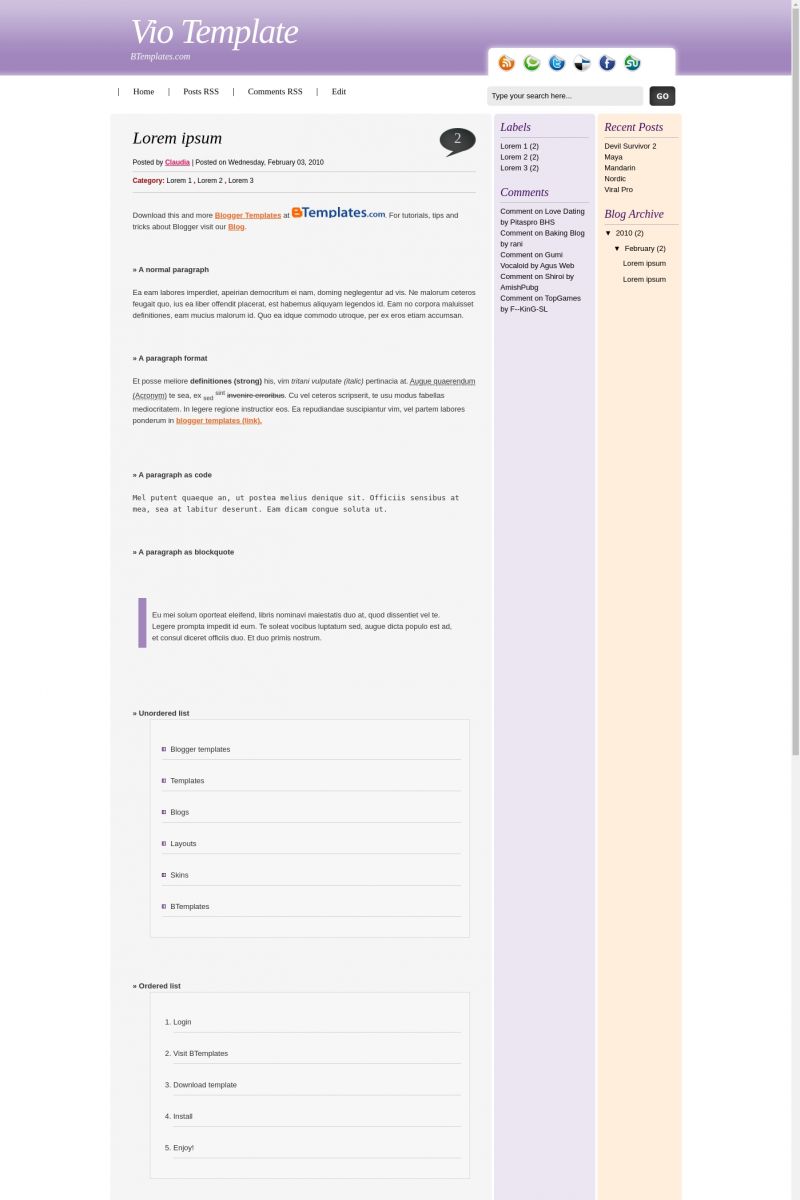
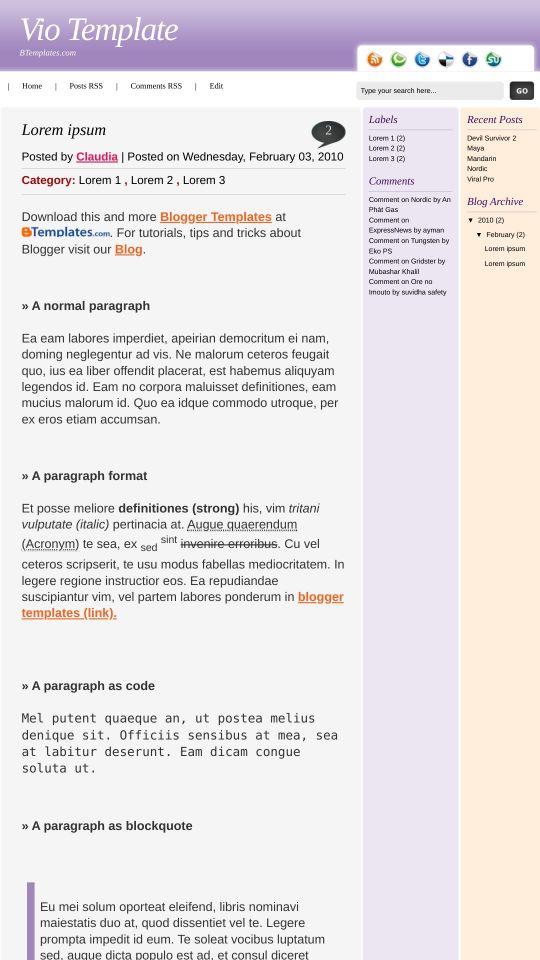
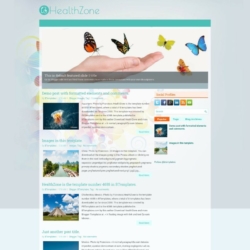
Vio is a free Blogger template adapted from WordPress with 3 columns, right sidebar, rounded corners and neutral colors.
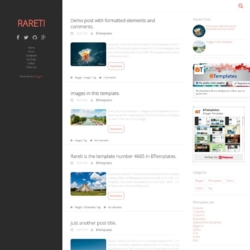
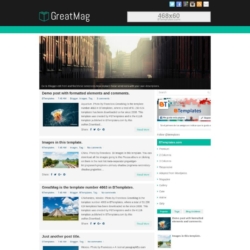
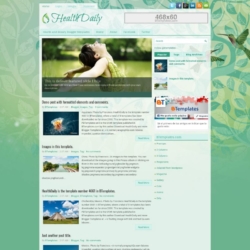
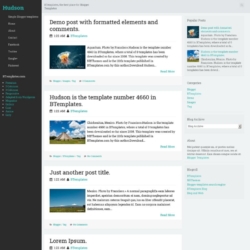
More Adapted from WordPress Blogger templates:

Credits
Author: ThemeCraft.
Designer: Skinpress.
Mary 3 March 2010 at 13:50
This template is beautiful, however, instead of listing a date at the top of the blog post, it lists a time
How do I fix this?
Claudia 3 March 2010 at 14:45
Mary:
Go to Settings-> Formatting -> Timestamp format (then choose a better format). That will allow you to see the date instead the hour.
Taina 20 March 2010 at 8:06
Hi,
I would like to use this template, but I didn´t understand the icons on the top-right side.
How do I edit them? How do I creat a link for them?
Claudia 22 March 2010 at 10:57
Taina:
That icons are for social media. For example, the first one allow your readers to subscribe your blog. Please, read the instructions attached to the xml file if you want to know how to put your own links there.
Dan 24 March 2010 at 18:41
My template is not displaying the social sidebar – I have updated the links for these, and I can see them in my page elements and source code, but not in my page. Tested on IE, Firefox, Chrome. Any ideas?
I am also finding the timestamp screwy – It displays the ‘Posted On…’ date, but not the main post date.
Claudia 26 March 2010 at 21:06
Dan:
I guess the problem you report is due to the changes you made on the template ;)
Lisa 1 September 2010 at 16:52
Wow this is a beautiful template!