Free Blogger Templates for your Blog

Grey Mag

live demo
Features:
Instructions: How to use this template
Template author:ThemeCraft
Designer:
Description:

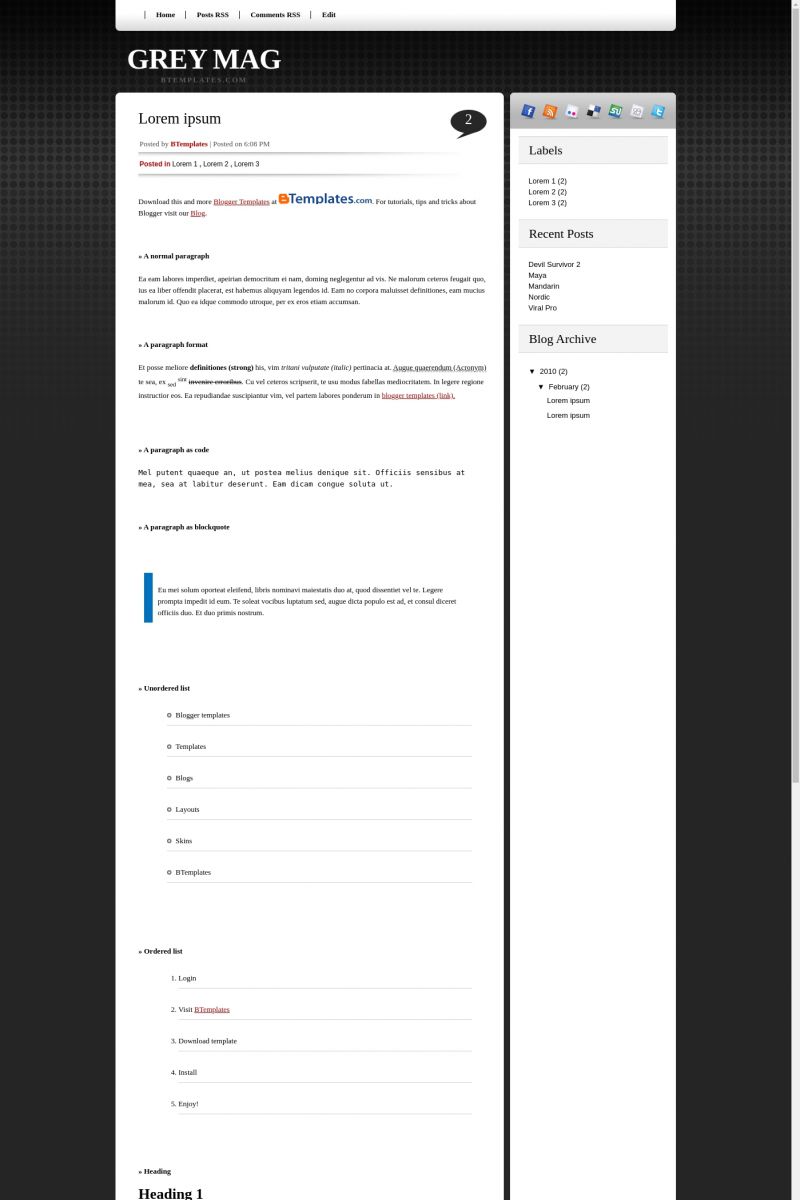
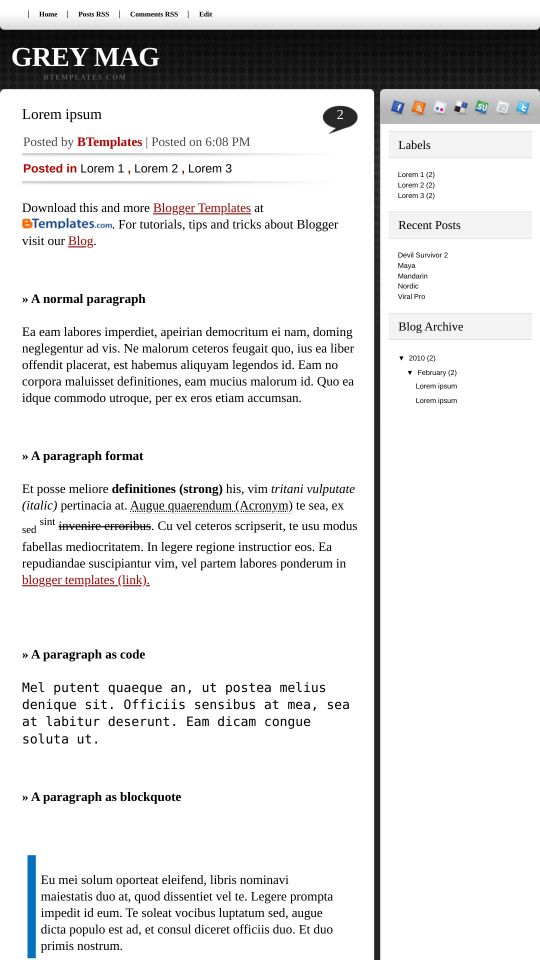
Grey Mag is a free blogger template adapted from WordPress with 2 columns, right sidebar, rounded corners and neutral colors.

Download Grey Mag for free in BTemplates.
Rating4.0 out of 5 based on 26 bloggers.
Compatible with:FFIEChrome
Share:

Comments about Grey Mag blogspot template

8 Comments, leave a reply »
  1. suryo 15 February 2010
    Reply to suryo »

    Hi, im jut using Grey Mag template in my blog.
    Great!!
    I’d like to temporarily disable links/shares features (at top rows of side bar). thx for your advise…

    Best Regards

  2. khairil 15 February 2010
    Reply to khairil »

    Cool, I already download this template
    It’s look fantastic, I like it :)

  3. pasha.tunik 17 February 2010
    Reply to pasha.tunik »

    Really nice template. But I have some trouble, can u tell me how use “Read more”?

  4. nicky 18 February 2010
    Reply to nicky »

    hey, nice template, can u tell me how use red more

    thanks

  5. soudi 11 March 2010
    Reply to soudi »

    Please tell me which one of your beautiful templates have the fonts and colors box? i ca’t fix it myself because i do’t know htm. Thanks!

  6. suryo 13 March 2010
    Reply to suryo »

    how to show posting dates ?

  7. azmir 7 November 2010
    Reply to azmir »

    hey, i’ve download ur template but how do I make the FB,twitter icon at the top of the blog function?…

  8. Claudia 8 November 2010
    Reply to Claudia »

    @azmir: Go to Design/Edit HTML and find this code:

    <li><a href='YOUR-LINK-HERE'><img alt='facebook' src='http://3.bp.blogspot.com/_MhvFrz7psjI/S3EkigQ56QI/AAAAAAAAAd8/IJx9wExwWkU/s1600/button_facebook.png'/></a></li>
    <li><a href='/feeds/posts/default' title='RSS'><img alt='Mag Demo Rss' src='http://1.bp.blogspot.com/_MhvFrz7psjI/S3Ekjn5L6tI/AAAAAAAAAeU/qWcXgAlgYjw/s1600/button_rss.png'/></a></li>
    <li class='last'><a href='YOUR-LINK-HERE'><img alt='flickr' src='http://3.bp.blogspot.com/_MhvFrz7psjI/S3Eki3wMc8I/AAAAAAAAAeE/-45ihlYAT9o/s1600/button_flickr.png'/></a></li>
    <li><a href='YOUR-LINK-HERE'><img alt='delicious' src='http://2.bp.blogspot.com/_MhvFrz7psjI/S3EkatQw4EI/AAAAAAAAAds/1-bh14d8X7Q/s1600/button_delicious.png'/></a></li>
    <li><a href='YOUR-LINK-HERE'><img alt='stumble' src='http://3.bp.blogspot.com/_MhvFrz7psjI/S3EkkKibOZI/AAAAAAAAAec/YDvKnG3jcPU/s1600/button_stuble.png'/></a></li>
    <li><a href='YOUR-LINK-HERE'><img alt='digg' src='http://4.bp.blogspot.com/_MhvFrz7psjI/S3EkbOvQtcI/AAAAAAAAAd0/d-gvzAiQ-h8/s1600/button_digg.png'/></a></li>
    <li><a href='YOUR-LINK-HERE'><img alt='Twitter' src='http://3.bp.blogspot.com/_MhvFrz7psjI/S3EksbzeD8I/AAAAAAAAAe0/qCXgDKyD-Pk/s1600/button_twitter.png'/></a></li>

    You must replace “YOUR-LINK-HERE” by the link to your profile (with http://) in Facebook, Twitter, Flickr, etc.

Reply

Thank you for your comment! If it contains links, your comment will be moderated. If you're looking for technical support, please see the FAQ's, our blog or contact the original author.

There are 4117 free Blogger Templates for You!