Outubro Blogger Template
⚠️ This template does not have a responsive design.
Instructions
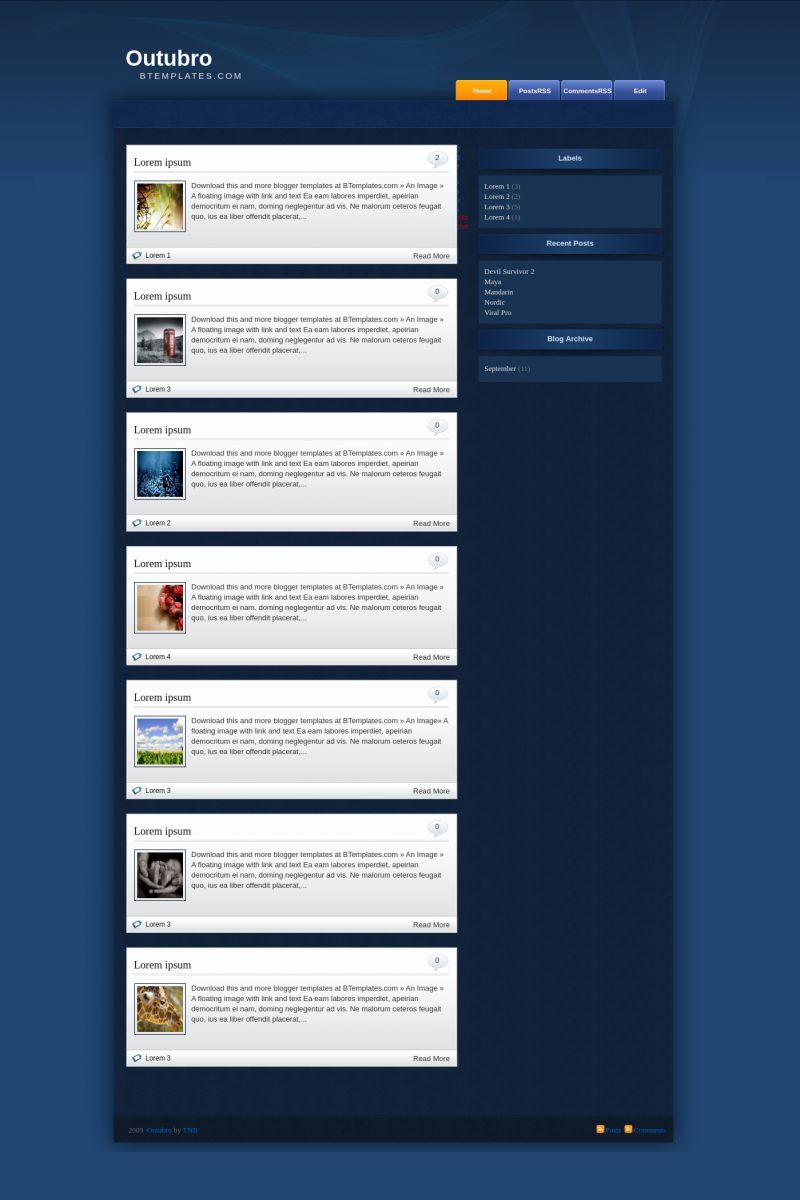
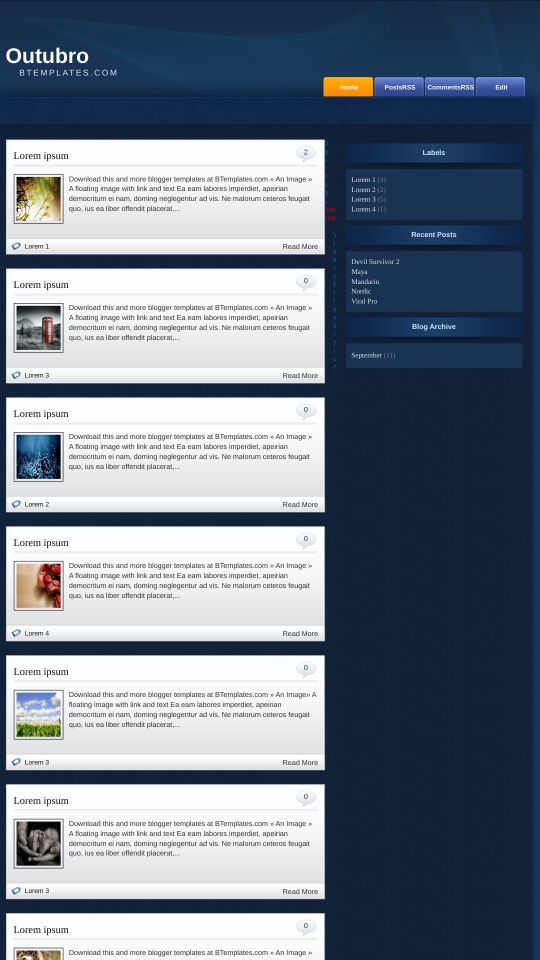
About Outubro
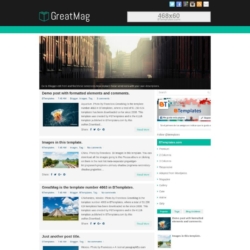
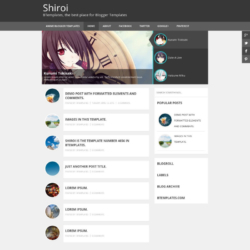
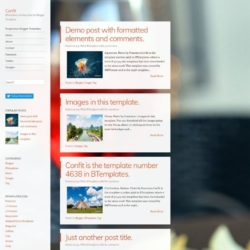
Introducing Outubro, a free Blogger template featuring 2 columns, right sidebar, post thumbnails and neutral palette
More Elegant Blogger templates:



Credits
Author: Templates Novo Blogger.
bintang 8 December 2009 at 22:27
sy selalu gagal untuk unggah template ini gimana caranya ya? Trim
Jango 10 January 2010 at 4:55
Hi, I noticed within the font and colors option for this template it says i can change the: page background color, the text color, and the post title color. The thing is when i try to change them they stay white for the page background, black for the text color, and black for the post title color. is there some why to change them from that menu, or do i have to go into the code. btw, i no little to no html stuff. thanks.
Jango 11 January 2010 at 23:28
I’m running into another problem with this template. where it shows(in the demo example above) “Lorem 1” and the “Read More” tabs on the posts, in my blog they appear right below the white “box”/post on the main page. My first post doesn”t have this problem, but the second post does. is there some setting that i’m missing? thanks.
Jom Kedai Kopi 15 January 2010 at 2:04
just now download this template..thanks
Jom Kedai Kopi
turindra 15 January 2010 at 3:21
i try this
Tim 11 February 2010 at 19:46
Hi I downloaded this template about a month ago and it works fine up until this week where in the home page the link “older posts” is hidden – and in this above example i notice it is hidden here as well – I’m guessing it’s because of the new fire fox browser updates – any suggestions to fix this problem?
Michael 1 March 2010 at 9:26
I’ve been using this recently and, while I like the look of it, like other peoples, I have the problem with the “Older posts” &c links hiding behind the white box of the first post. I’ve re-uploaded the template and it still has the same problem so it can’t be that I’ve messed up the code. The same thing happens on Internet Explorer so it isn’t a Firefox problem. Can someone fix this template please? Thanks.
bhrm988 22 March 2010 at 13:51
Hi,
I am a Spanish girl, and I have a blog that used this template
This is great. Thank you and congratulations to its author.
Sorry, I speak a little english
Hello I am a Spanish girl. . ES GENIAL ME ENCANTA.
Trevice 15 April 2010 at 19:37
El problema del menú navegación se resuelve:
#blog-pager {
text-align: center;
clear:both;
}
Mike180 14 May 2010 at 5:58
@Trevice:
Acabas de salvarme la vida. Llevo desde ayer volviéndome loco para resolver esto. Gracias, gracias, y mil veces gracias.
Ahora sólo me falta por resolver el tema del bocadillo de los comentarios, que en Explorer me sale fuera de su sitio (arriba a la derecha de la entrada. Si me puedes ayudar en esto, te daré las gracias otro millón de veces.
Saludos.
Nawaqif Rehnuma 28 August 2010 at 13:22
For Older and Newer posts link find following HTML Code
#blog-pager-newer-link {
float: $startSide;padding-$startSide:15px;
}
#blog-pager-older-link {
float: $endSide;padding-$endSide:15px;
}
#blog-pager {
text-align: center;
}
Now replace it with
#blog-pager-newer-link{float:left;}
#blog-pager-older-link{float:right;}
#blog-pager {
text-align: center;
clear:both;
}
Enjoy !!!